What is a Digital Kiosk Printer and How Does It Work?
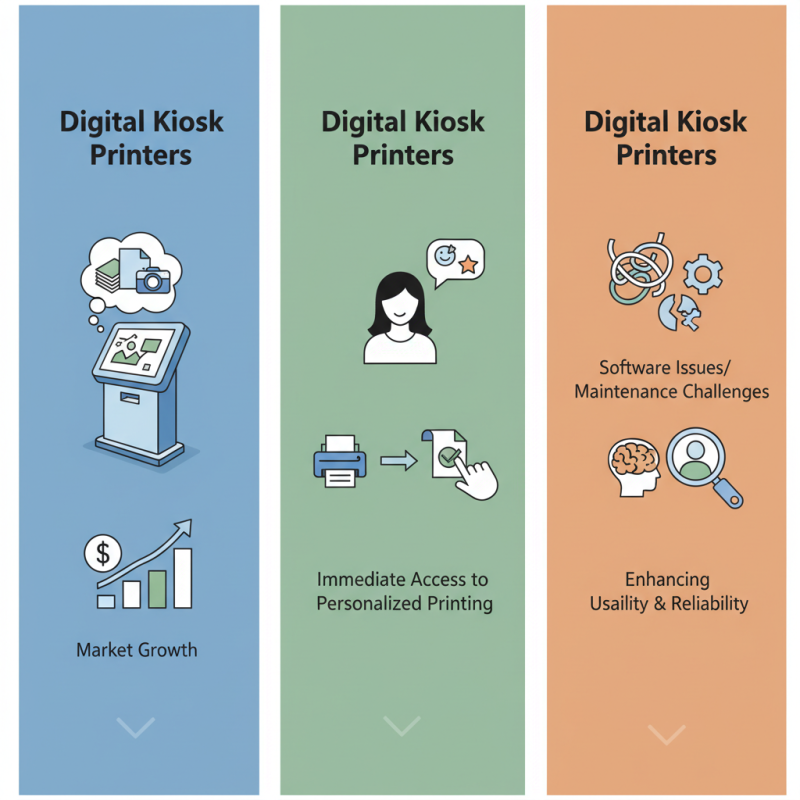
In today’s fast-paced world, the demand for quick and efficient printing solutions is rising. The Digital kiosk printer stands out as a game-changer in this landscape. According to a recent report by MarketsandMarkets, the digital printing market is expected to grow to $29.36 billion by 2025. This growth reflects the increasing need for on-demand printing solutions across various sectors.
Industry expert Dr. Emma Lawson states, “Digital kiosk printers are transforming customer experiences by offering immediate access to personalized printing.” This technology allows users to print everything from photos to documents seamlessly. However, despite their advantages, not all kiosks are user-friendly. Some struggle with software issues, leading to customer frustration.
Moreover, while these printers are capable of high-quality outputs, they can also face maintenance challenges. For businesses, understanding user preferences is crucial. The Digital kiosk printer must evolve. As the tech advances, we have to reflect on how to enhance usability and reliability in real-world scenarios.
What is a Digital Kiosk Printer?
A digital kiosk printer is an innovative solution designed to streamline printing tasks. It operates independently, allowing users to print documents easily. Typically found in libraries, offices, and public spaces, these machines offer convenience and accessibility. Users can select the desired print job using a touchscreen interface.
These printers often support various formats and sizes. They can handle black-and-white or color prints. However, not all kiosk printers offer the same features. Some may lack advanced options like custom sizing or high-resolution quality. This inconsistency can lead to frustration if users have specific needs.
Digital kiosk printers benefit users who require quick turnaround times. They don’t need to rely on assistance, which enhances efficiency. Yet, there may be issues with print quality or paper jams. Users might find themselves troubleshooting problems they didn’t anticipate. Overall, while these printers aim to simplify the printing process, they can challenge users in unexpected ways.
What is a Digital Kiosk Printer and How Does It Work?
| Feature | Description | Benefits | Common Applications |
| Print Quality | High-resolution printing, typically 300 DPI or higher. | Produces professional-quality materials that enhance brand image. | Event badges, tickets, and promotional materials. |
| Speed | Fast printing speeds, often completing a print in under 10 seconds. | Increases operational efficiency and reduces wait times. | Check-in stations, event kiosks, and self-service terminals. |
| User Interface | Interactive touchscreen interface for user-friendly operation. | Simplifies the printing process for users of all ages. | Hotels, airports, and shopping malls for quick access to printing. |
| Connectivity | Multiple connection options, including USB, Wi-Fi, and Bluetooth. | Flexibility to connect with various devices like smartphones and laptops. | Remote printing from mobile devices and computers. |
| Maintenance | Easy to maintain with user-replaceable parts. | Minimizes downtime and service costs. | Kiosks in high-traffic areas requiring minimal supervision. |
Key Features of Digital Kiosk Printers
Digital kiosk printers have become essential in various sectors, providing a convenient way for users to print documents on demand. These machines are typically placed in public spaces, offering 24/7 access. They are user-friendly, allowing a range of printing options, from photos to documents. Users simply select their desired print, upload files, and make payment, often via touch screens.
Key features include high-speed printing capabilities, which reduce waiting times significantly. Many models support various media, such as glossy paper or card stock. Some printers allow wireless printing, making it easier for customers to send documents from their smartphones. Security features are also crucial. They often include data encryption to protect sensitive information during the printing process.
Tips: Always check printer specifications before use. Understand your needs to ensure compatibility. Not all kiosks provide the same quality. Test a small print first to see if it meets your standards. At times, the user interface may not be as intuitive. Be prepared to navigate through multiple screens.
How Digital Kiosk Printers Operate
Digital kiosk printers are revolutionizing the way businesses engage with customers. These machines are designed to print high-quality documents on demand, right at the point of service. According to a recent industry report, the global market for digital printing is projected to grow at a CAGR of 5.5% from 2021 to 2026. This indicates significant interest and investment in technologies like kiosk printing.
How do these printers operate? Typically, a user interacts with a touchscreen interface. After selecting their preferences, the printer uses advanced inkjet or laser technologies for fast, precise printing. The process often takes under a minute for simple documents, making it efficient for users in busy environments. However, maintenance can sometimes be a challenge, leading to delays. It’s crucial to regularly check ink levels and clean print heads to avoid downtime.
Tips: Always perform routine checks on your kiosk printer. Regular calibration ensures quality output. Pay attention to wear and tear; any issues can disrupt service. Providing clear instructions on the kiosk can greatly enhance the user experience. Promoting these kiosks can boost customer traffic, but constant improvement is vital for success.
Common Applications of Digital Kiosk Printers
Digital kiosk printers have found a home in various sectors, enhancing customer experience with convenience and efficiency. In retail, they allow shoppers to print receipts or product labels on demand. This reduces long checkout lines, giving customers faster service. Kiosks provide a self-service model that many find appealing. It empowers users to handle their own transactions and print items on their terms.
In the event industry, digital kiosk printers serve attendees well. They can print tickets and passes instantly. This minimizes delays, enabling people to enter venues quickly. However, implementing these systems can pose challenges. Some users may struggle to navigate the technology, leading to frustration. Staff training is essential for smooth operations.
Healthcare facilities also utilize kiosk printers for patient check-ins and appointment confirmations. It streamlines processes, making visits more efficient. Patients appreciate quick access to forms and information. Yet, issues may arise when machines malfunction or run out of supplies. Monitoring and maintenance are crucial to avoid setbacks. Overall, digital kiosk printers offer practical solutions but also require careful management to ensure effectiveness.
Usage of Digital Kiosk Printers in Various Industries
Advantages of Using Digital Kiosk Printers
Digital kiosk printers are increasingly popular for businesses looking to enhance customer interaction. These printers provide several significant advantages. They offer quick, on-demand printing solutions, allowing customers to print photos, tickets, and boarding passes instantly. According to industry reports, kiosks can increase customer engagement by 30%. This interaction leads to higher satisfaction rates, as customers value the convenience of immediate services.
One notable advantage of digital kiosk printers is their cost-effectiveness. Businesses save money by reducing the need for staffed counters. A study found that implementing kiosks can reduce operational costs by up to 25%. These printers are also energy-efficient, often using less power compared to traditional printing methods. This shift not only saves money but also supports sustainability goals.
Tips: Ensure your kiosk location is easily accessible. An inviting design helps draw in customers. Monitor user interactions to identify potential areas for improvement. Regular maintenance is crucial to avoid downtime and ensure the kiosks run smoothly. Remember, addressing customer feedback can enhance the overall printing experience.
 Innotex Group